
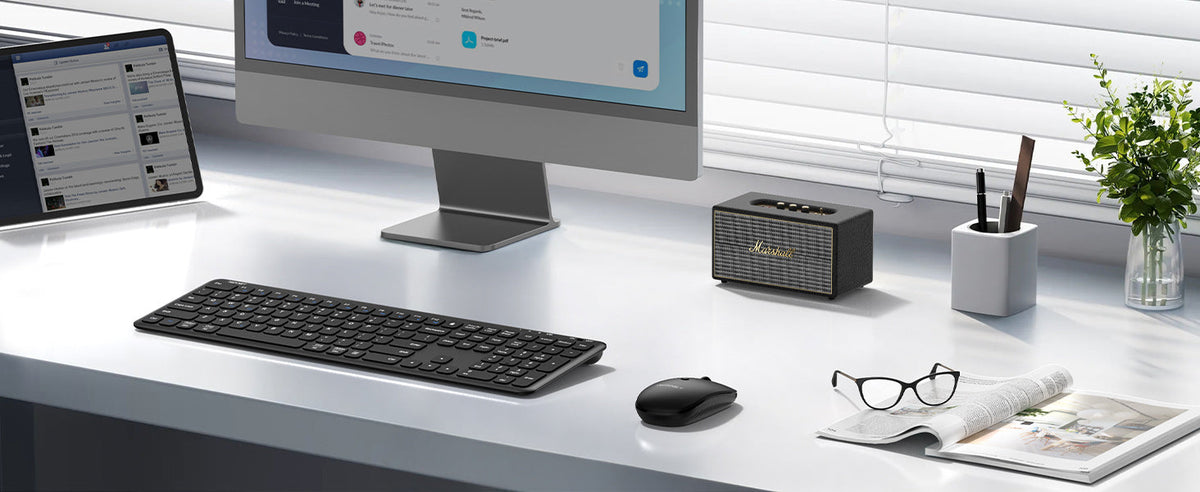
A productive workspace is about more than having a good computer. The way you organize your desk, position your equipment, and manage everyday distractions can make a real difference in how comfortably and efficiently you work.
Whether you work from home, study at a small desk, or switch between different workspaces throughout the week, a few practical changes can help you create a setup that works better for your routine.
One simple place to start is with your keyboard and mouse. A wireless keyboard and mouse can reduce cable clutter, free up desk space, and give you more flexibility when arranging your workstation.
In this guide, we'll explore practical ways to improve your workspace, from organizing your desk and choosing comfortable accessories to finding the right TECKNET keyboard and mouse combo for your needs.
1. Start with a Clean, Organized Desk
A cluttered desk can make it harder to find what you need and keep your attention on the task at hand. Before investing in new accessories, take a few minutes to organize your workspace.
Here are some simple ways to get started:
- Keep everyday essentials within reach. Place your keyboard, mouse, notebook, and frequently used items where you can access them easily.
- Remove items you rarely use. Store spare cables, paperwork, and accessories elsewhere to create more room for your daily tasks.
- Manage visible cables. Use cable clips or ties to keep charging and power cables organized.
- Make room for movement. Leave enough space to move your mouse comfortably without constantly adjusting other items.
A wireless keyboard and mouse can help simplify your desk by removing two frequently visible cables. With fewer cords around your main working area, it's also easier to rearrange your setup when you need extra space.
2. Choose a Wireless Keyboard and Mouse for Greater Flexibility
Your keyboard and mouse are two of the accessories you interact with most throughout the day. Choosing a set that fits your workspace can make everyday tasks feel more convenient.
A wireless keyboard and mouse combo offers several practical advantages:
Reduce Cable Clutter
A wireless setup helps keep your desk surface clear of keyboard and mouse cables. Many combos also use a single USB receiver for both devices, helping save an available USB port.
Arrange Your Desk More Freely
Without attached cables restricting placement, you can position your keyboard and mouse to suit your desk layout. This is especially useful when working at a compact desk or sharing a workspace.
Create a More Portable Setup
If you sometimes work at the kitchen table, in a shared office, or while traveling, a compact wireless combo can make it easier to move your work setup from one place to another.
When choosing a set, consider your available desk space, preferred keyboard size, connection type, and whether you regularly work with a laptop, desktop, or tablet.
3. Match Your Keyboard and Mouse to Your Work Style
There isn't one perfect workspace setup for everyone. A student with a small desk may need a different combination of features from someone who spends most of the day typing at a home office desk.
The best starting point is to identify what matters most in your daily routine.
For Small Desks and Everyday Tasks
If your desk is limited in size, a compact keyboard and mouse can leave more room for notebooks, documents, and other essentials.
The TECKNET Mini Wireless Keyboard and Mouse Combo features a slim, space-saving design and a shared 2.4 GHz USB receiver. Its keyboard includes 12 multimedia hotkeys for convenient access to common functions, making it a practical option for everyday computer use.
This type of setup is worth considering for students, casual home office users, and anyone who wants to keep a smaller desk organized.
For Flexible Workspaces and Travel
If you regularly move between home, the office, and other locations, portability becomes a priority. A keyboard that folds away can be easier to pack than a traditional full-size model.
The TECKNET Foldable Bluetooth Keyboard and Mouse Combo folds into a compact form and comes with a carrying case. Both the keyboard and mouse have built-in rechargeable batteries, and the combo supports connections to up to three devices through two Bluetooth channels and a 2.4 GHz wireless connection.
Its quiet scissor-switch keys and silent mouse are also useful when you need to work in shared spaces, such as a library or café.
For people who frequently switch between devices or need a portable workstation, these features can help make working away from a permanent desk more convenient.
For a Dedicated Home Office
If you spend most of your workday at the same desk, you may prefer a full-size keyboard with additional support and convenient shortcuts.
The TECKNET Full-Size Ergonomic Wireless Keyboard and Mouse Combo TK-KM063 includes an extended wrist rest, adjustable keyboard tilt feet, and a mouse with an ergonomic shape. It also features an integrated holder for a phone or tablet.
The shared 2.4 GHz USB receiver keeps the connection setup simple, while the keyboard's hotkeys and function keys provide convenient access to commonly used controls.
If your workspace is primarily used for typing, spreadsheets, emails, or video calls, a full-size combo may be a better fit than a compact travel model.
4. Position Your Keyboard and Mouse for Comfortable Use
A tidy desk is useful, but comfort matters too. Poorly positioned equipment can make everyday work less comfortable, especially when you spend extended periods at a computer.
Try these basic workspace adjustments:
- Keep your keyboard close. Position it so you can type without reaching forward.
- Place your mouse nearby. Keep it close to the keyboard to avoid repeatedly stretching your arm to the side.
- Relax your shoulders. Adjust your chair and desk position so your shoulders can remain relaxed while typing.
- Keep your wrists in a natural position. Avoid forcing your wrists into sharply bent angles while using the keyboard or mouse.
- Adjust your screen height. Position your monitor or laptop screen so you can view it comfortably without constantly leaning forward.
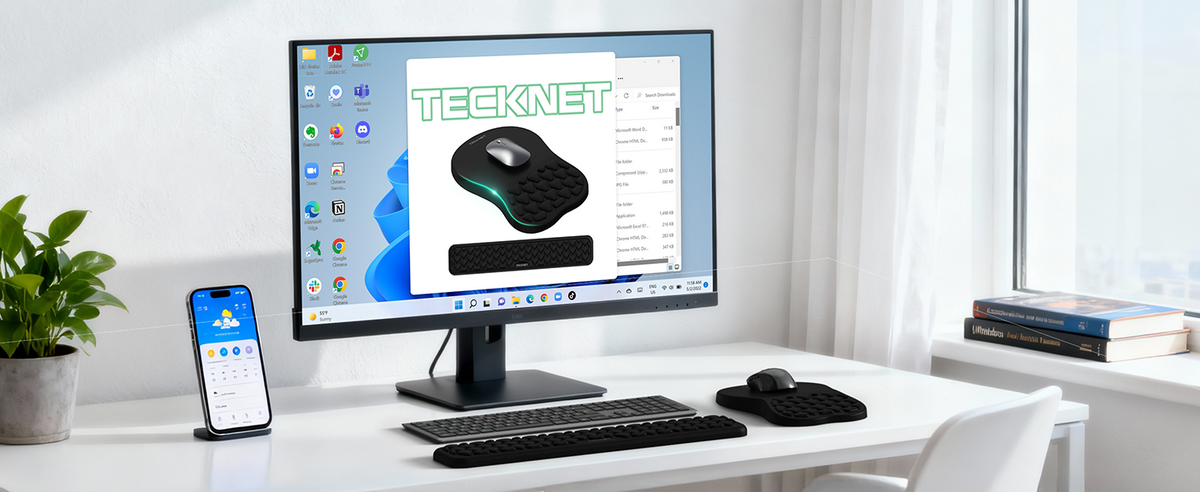
A wrist rest can provide a place to rest your hands between typing tasks, while an adjustable keyboard tilt may help you fine-tune your setup. However, accessories alone cannot guarantee a comfortable posture; chair height, desk height, screen placement, and individual preferences all matter.
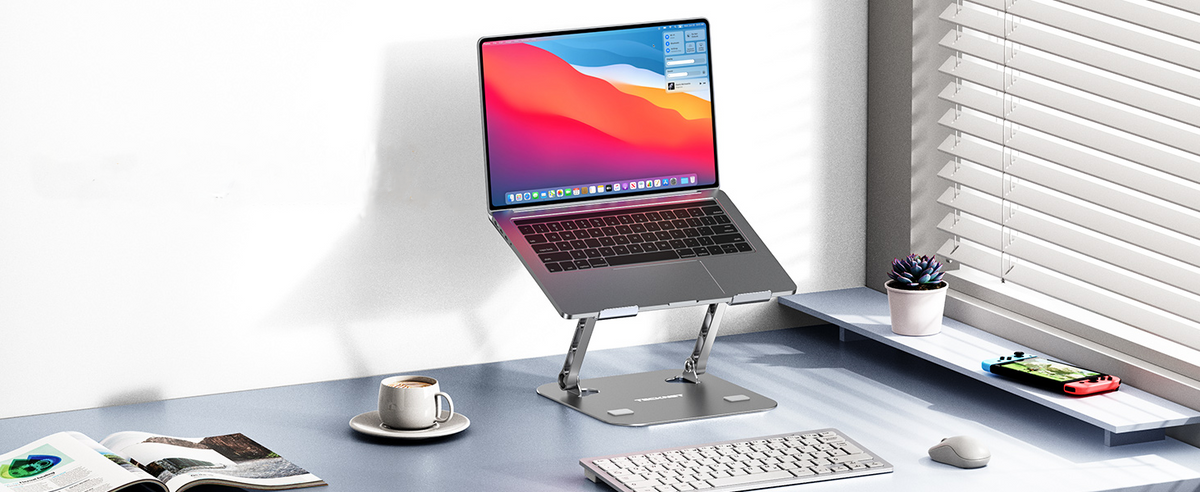
If you use a laptop as your primary computer, consider raising the screen and using a separate keyboard and mouse when practical. This gives you more freedom to position the screen and input devices independently.
5. Make Everyday Tasks Easier with Useful Shortcuts
A productive workspace should support the way you work, not just look organized.
Keyboard shortcuts and dedicated function keys can reduce the need to navigate menus for common tasks. Depending on your operating system and keyboard, shortcuts can help you switch between windows, copy and paste text, capture screenshots, or control media playback.
For example, you might:
- Use copy-and-paste shortcuts when editing documents.
- Switch between open applications instead of repeatedly reaching for the mouse.
- Use multimedia hotkeys to adjust volume or control playback.
- Keep frequently used apps easy to access from your desktop or taskbar.
A keyboard with dedicated hotkeys can make certain actions more convenient. The TECKNET Mini Wireless Keyboard and Mouse Combo includes 12 multimedia hotkeys, while the TK-KM063 offers six one-click hotkeys and five dedicated function keys.
Small time savings can add up when you repeat the same actions throughout the day.
6. Reduce Distractions in Your Work Environment
Even a well-organized desk cannot eliminate every distraction, but a few changes can make it easier to focus.
Keep unnecessary notifications under control. Turn off nonessential alerts during tasks that require concentration.
Use comfortable lighting. Make sure your desk is adequately lit, and adjust your screen brightness to suit the surrounding environment.
Choose quieter accessories when needed. Keyboard typing and mouse clicks can be noticeable in shared rooms. A combo with quiet keys and clicks may be a better choice for a home office shared with family members or for working in public spaces.
Create a consistent routine. Keep the items you need for work in predictable places, and take regular breaks rather than remaining in one position for hours.
For shared environments, the TECKNET Foldable Bluetooth Keyboard and Mouse Combo features silent scissor-switch keys and a silent mouse. The TK-KM063 also features low-noise typing and clicking, which may help reduce everyday sound around your workspace.
7. Keep Your Wireless Setup Simple and Reliable
A wireless workspace should be convenient to use. A few basic habits can help you avoid unnecessary interruptions.
Check Device Compatibility
Before choosing a wireless keyboard and mouse, confirm that the connection method works with your computer or tablet. Some combos use a 2.4 GHz USB receiver, while others support Bluetooth or both connection types.
Also check operating system compatibility and whether your device has the required USB port or Bluetooth support.
Keep Track of Power
Battery-powered and rechargeable devices require different charging routines. For a rechargeable combo, make charging part of your regular desk routine. For a battery-powered set, keep compatible spare batteries available if needed.
The TECKNET Foldable Bluetooth Keyboard and Mouse Combo uses built-in rechargeable batteries, while the TK-KM063 uses one AAA battery for the keyboard and one AA battery for the mouse; batteries are not included.
Store Accessories Properly
If you move your keyboard and mouse frequently, keep the receiver, charging cable, and other small accessories in a designated place. A consistent storage routine can help prevent misplaced accessories and make it easier to set up your workspace wherever you work.
8. Choose the Right TECKNET Combo for Your Workspace
The right keyboard and mouse combo depends on how you use your workspace. Here's a quick comparison of the three options discussed in this guide.
| Product | Best suited for | Key features |
|---|---|---|
| TECKNET Mini Wireless Keyboard and Mouse Combo | Small desks and everyday tasks | Compact design, shared 2.4 GHz receiver, 12 multimedia hotkeys |
| TECKNET Foldable Bluetooth Keyboard and Mouse Combo | Travel and flexible workspaces | Foldable design, carrying case, rechargeable devices, up to three device connections |
| TECKNET TK-KM063 Full-Size Ergonomic Wireless Combo | Dedicated home offices | Full-size keyboard, wrist rest, adjustable tilt feet, phone and tablet holder |
Before making a decision, consider the amount of space you have, how often you move your setup, and which features you will actually use. A compact design is helpful for a small desk, while a full-size keyboard may be more suitable if you prefer a traditional layout for daily typing.
9. A Simple Checklist for a More Productive Workspace
Use this checklist to review your current setup and identify practical improvements.
- Clear unnecessary items from your desk.
- Organize cables and keep essential accessories within reach.
- Position your keyboard and mouse close together.
- Adjust your chair, screen, and desk for comfortable use.
- Choose a keyboard layout that suits your daily tasks.
- Check whether your wireless devices are compatible with your computer.
- Create a simple routine for charging or replacing batteries.
- Reduce unnecessary notifications and other distractions.
- Take regular breaks and change positions throughout the day.
- You don't need to replace everything at once. Start with the adjustments that address your biggest frustrations, then improve your setup gradually.
- Frequently Asked Questions
- Does a wireless keyboard and mouse improve productivity?
- A wireless keyboard and mouse can help create a tidier desk and give you more flexibility when arranging your workspace. Features such as multimedia hotkeys, quiet clicks, and compact designs may also make everyday tasks more convenient. The actual productivity benefit depends on your work habits and personal preferences.
- Is a wireless keyboard and mouse good for a home office?
- Yes. A wireless combo can reduce cable clutter and make it easier to arrange a home office around your desk, computer, and other accessories. When choosing one, consider the keyboard layout, mouse shape, connection method, and available desk space.
- What is the best keyboard and mouse for a small desk?
- A compact wireless keyboard and mouse combo is often a practical choice for a small desk because it leaves more room for other essentials. A foldable model may be particularly useful if you need to pack away your workspace when you're finished.
- Should I choose Bluetooth or a 2.4 GHz wireless keyboard and mouse?
- The right option depends on your devices and preferences. Bluetooth can be convenient for compatible laptops, tablets, and other devices without using a USB receiver. A 2.4 GHz combo typically connects through a small USB receiver. Some products support both methods, so check the specific product's connection options before purchasing.
- How can I make my home office more comfortable?
- Start by adjusting your chair, desk, and screen position. Keep your keyboard and mouse close enough to use without reaching, relax your shoulders, and avoid holding your wrists at awkward angles. Taking regular breaks and changing positions can also help make long work sessions more manageable.
- Are quiet keyboards and mice useful in shared spaces?
- They can be. Quiet keys and mouse clicks may reduce noise when working near family members, colleagues, or other people in shared environments. They are worth considering if you often work in a library, shared office, or quiet room.
- Final Thoughts
- Creating a more productive workspace doesn't have to involve a complete office makeover. Organizing your desk, positioning your equipment comfortably, simplifying everyday tasks, and reducing distractions can all help make your work environment more practical.
- A wireless keyboard and mouse combo is one useful place to start. Whether you need a compact set for a small desk, a foldable option for working on the go, or a full-size ergonomic combo for your home office, choose the features that fit your actual routine.
- With a workspace that supports your needs, you can spend less time managing clutter and more time focusing on the work that matters.

Leave a comment
This site is protected by hCaptcha and the hCaptcha Privacy Policy and Terms of Service apply.